Event platform

Smart Event Manager

Your all-in-one event management platform. A cloud-based solution that simplifies the entire event lifecycle — from the first outline of a programme to the last report after the doors close.

What it is

One platform instead of six spreadsheets

Most event teams do not fail on the big things. They fail on the small ones — the room that was double-booked, the speaker whose slot moved and never got told, the catering count that was right on Tuesday and wrong on Thursday. Those details live in spreadsheets, mailboxes and someone's head, and they only surface when they go wrong.

Smart Event Manager — usually shortened to SEM — puts the whole lifecycle in one cloud-based place instead. Programme, participants, rooms, resources and follow-up all sit against the same event record, so a change made once is a change everywhere.

It suits conferences, trainings and multi-location operations equally well, which is the point: an organisation running a single annual congress and one running a rolling training calendar across several sites are doing the same work at different scale.
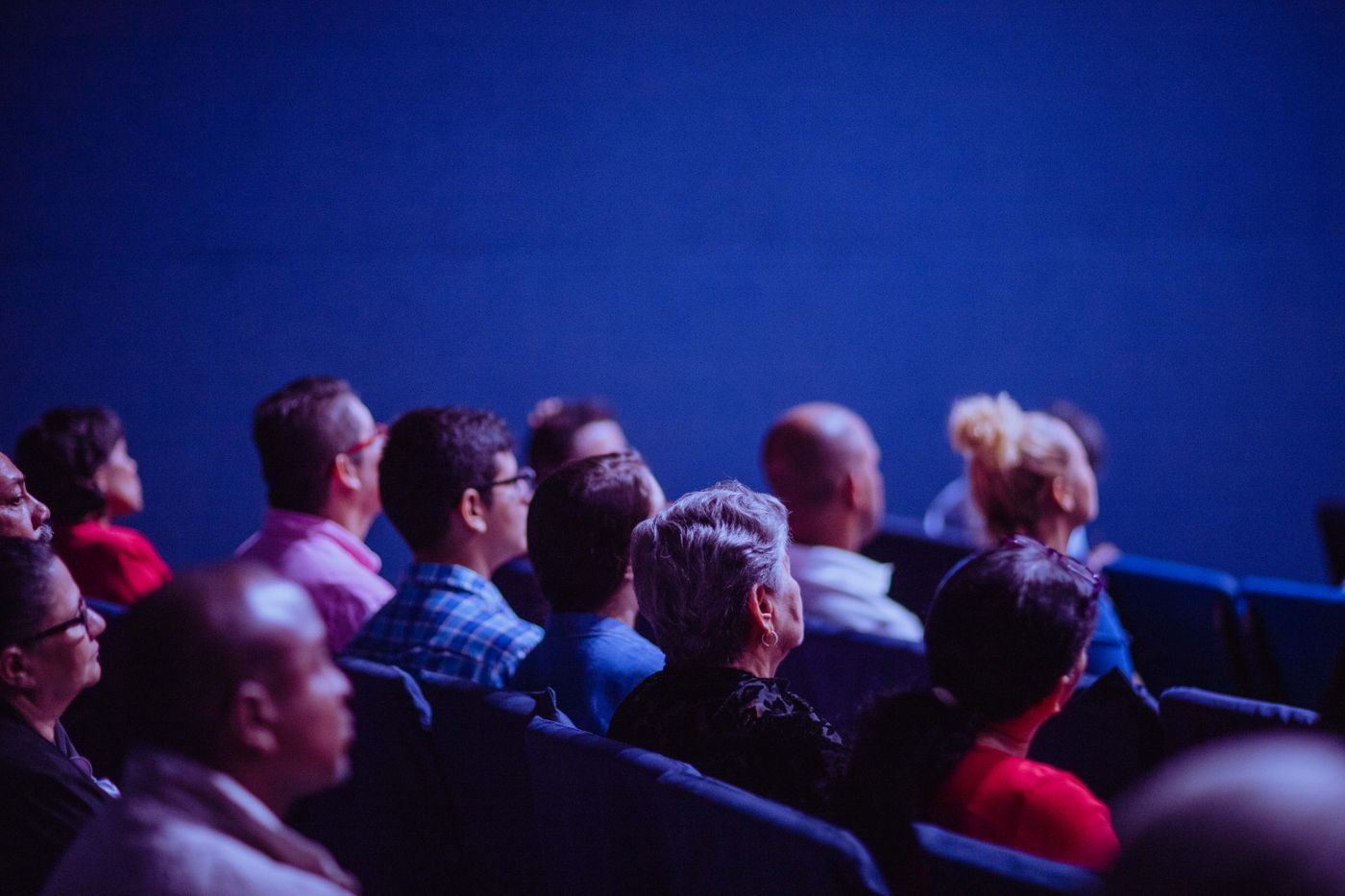
An audience seated in a darkened conference auditorium facing a lit stage
The lifecycle

Before, during and after — in the same system

An event is not one job. It is three, and most tools only cover the middle one.

1

Plan it

Build the programme, block the rooms, assign the people and the equipment. Everything that has to exist before you can open registration is set up against the event itself rather than in a parallel document.

2

Run it

Registrations, changes, arrivals and last-minute moves land in one place on the day. When the schedule shifts, the people who need to know are looking at the same record you just changed.

3

Close it out

Attendance, resource use and cost sit with the event afterwards, so next year's planning starts from what actually happened instead of what everyone remembers happening.

Why teams move to it

Save time, reduce cost, drop nothing

The business case for SEM is not glamorous. It is that fewer things fall through the cracks, and that the work of keeping them from falling through stops eating a person's week.

  • Less re-entry. Details are captured once and reused across the programme, the participant list and the follow-up rather than retyped between tools.
  • Fewer collisions. Rooms, people and equipment are booked against a single view, so the double-booking is caught when it is made, not on the morning.
  • Multi-location by default. Several sites, several parallel programmes and a shared resource pool are the normal case, not a workaround.
  • Cost you can see. What an event consumed is attached to the event, which makes the next budget conversation a shorter one.
  • Cloud-based. Nothing to install for the person who only helps out twice a year — they open a browser and see the current version.

At a glance

Delivery
Cloud
Scope
Full lifecycle
Sites
Multi-location
Also known as
SEM
Pairs with
SLinkHub Screens
Conferences Trainings Seminars Venues Multi-site
Better together

The schedule you already maintain, on the screens in the building

SEM holds the reservation data. SLinkHub Screens reads exactly that kind of booking data and turns it into public wayfinding — the TV in the foyer, the tablet beside the door, the panel at the lift.

📅

Maintained once

A session moves in SEM. The board in the foyer follows, because it is reading the booking data rather than a slide someone updates by hand each morning.

🗺

Found without asking

Visitors navigate a venue on their own when the screens carry today's real programme. Reception spends the morning on arrivals instead of directions.

Explore SLinkHub Screens
Questions

Smart Event Manager FAQ

SEM is simply the everyday abbreviation of Smart Event Manager. You will hear both used interchangeably — the product name in writing, the abbreviation in the room.

No. The lifecycle is the same whether you run one congress a year or a rolling training calendar across several locations — plan, run, close out. Organisations with many small recurring events often get more out of it than organisations with one large one, because the repetition is where manual coordination costs the most.

It is one of the cases the platform is built for. Multiple sites, parallel programmes and shared resources are handled inside the same environment, so you keep one view across locations instead of one system per building.

That is what SLinkHub Screens is for. It takes reservation data from event and booking platforms like SEM and projects it onto public displays as wayfinding and narrowcasting. The two are separate products that pair naturally — you can run either on its own.

It comes from the wider group Infivex belongs to, and we bring it to customers, implement it and support it. That is a different relationship from a product we resell — but also different from SLinkHub, Finly and SLinkHub Screens, which are built by Infivex itself. We would rather be precise about that than vague.

Show us your event calendar

Tell us how many events you run, across how many locations, and where the coordination currently hurts. That is usually enough for a first, useful conversation.